Parking Decks
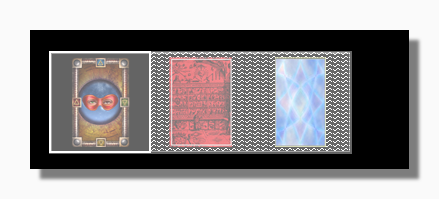
The program allows deck parking in order to avoid screen clutter. When parked the deck appears in miniature form in the dark parking area as shown in the screen capture above where three decks are parked.
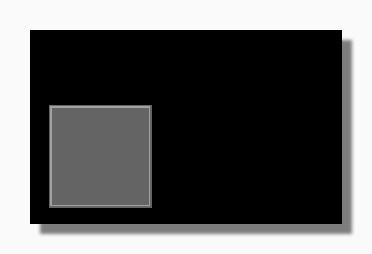
To park a deck manually, simply move it over the empty deck parking area so it falls into it:
|
| Empty Deck Parking Area |
You can also park a deck by choosing Park Deck off the My Decks Menu or using the key combination Control+D.
Parked decks can be relaunched by clicking on them or using the key combination Control+D.
A parked deck still has a menu which can be accessed in the normal way by right clicking:
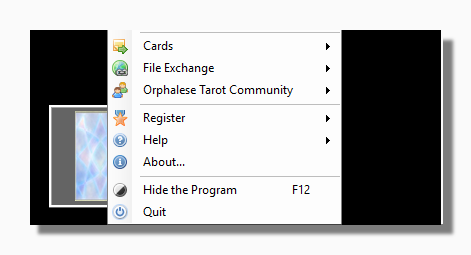
You can also deal cards from a parked deck by using the space bar shortcut, although not by clicking as this would relaunch the deck.
When laying out a spread, any deck forms that are in use are parked by default. You can read more this behaviour and how to modify it in Spread Dealing Options.